

Last updated November 2nd, 2026
You want to run an employee award ceremony, but you're starting from a blank page. You're not alone. Done well, a ceremony like this becomes something people actually bring up months later. Here's how to structure an award ceremony for your team that creates a lasting impact, whether you’re in person or remote.
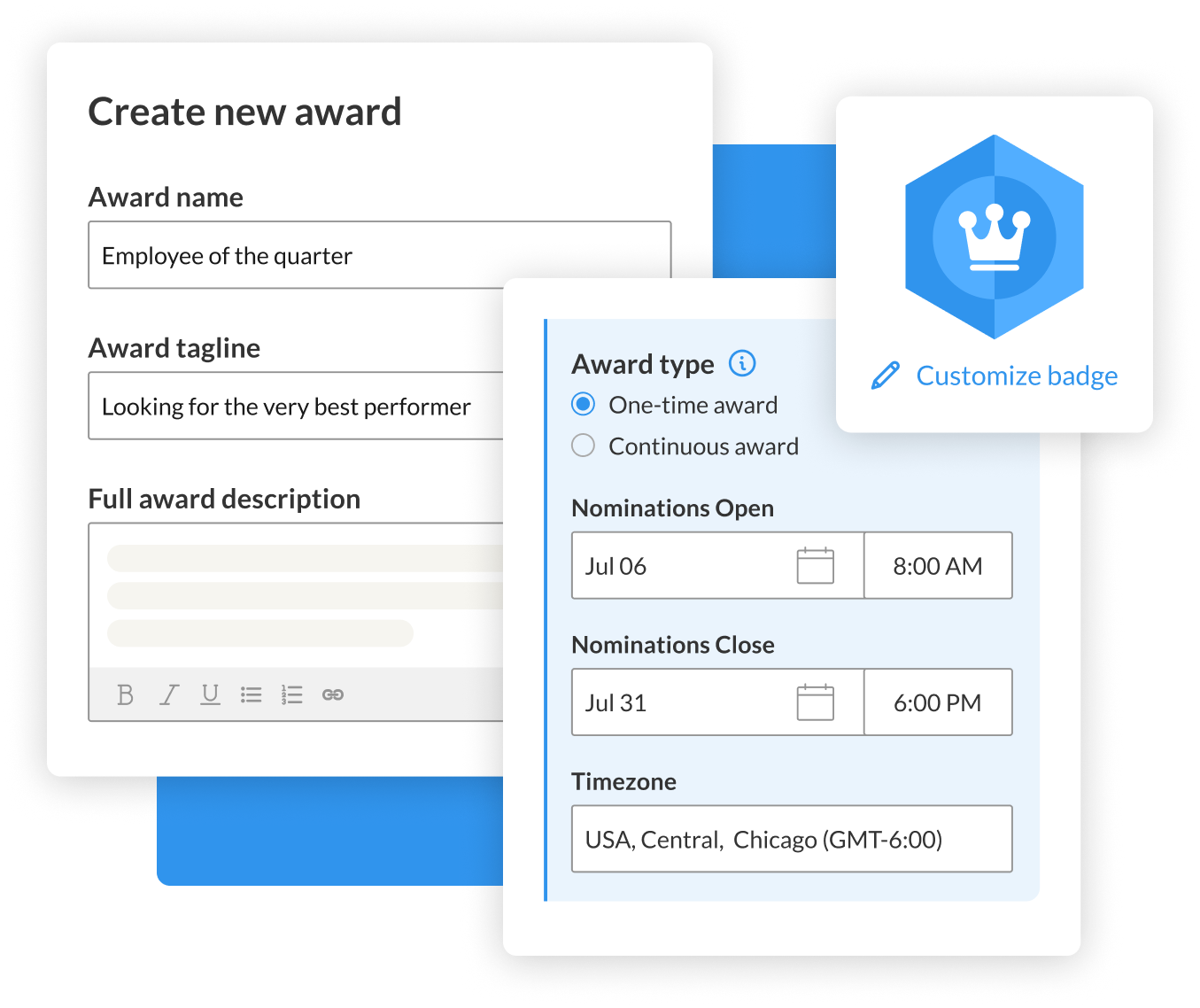
Step 1: Collect nominations with a time window and prompts
A nomination period that's open-ended or vague produces a trickle of entries instead of a real pool, and nominations that just say "great work this year" instead of anything specific enough to judge.
- Set a defined window for the nominations
- Publicize it more than once
- Ask nominators a specific question or two rather than an open text box. For example, "what did this person do that made a difference this quarter" gets better answers than "why do they deserve this."
With WorkTango, nominations route straight to a review subcommittee instead of landing in an inbox or a spreadsheet someone has to consolidate by hand, and the questions get written once per award and reused every cycle.
Step 2: Build a small review committee
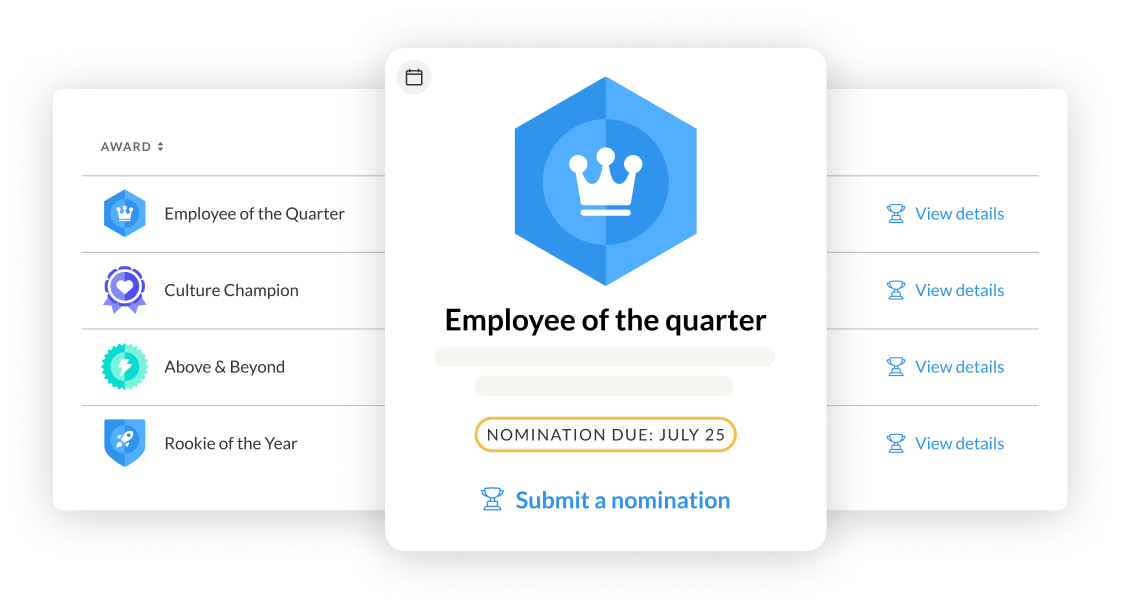
A single person picking the winner, even a well-liked one, invites a complaint that it looks like a popularity contest or a manager's favorite. A small review committee, with clear criteria agreed on before anyone sees a nomination, produces a result people trust even when they didn't win.
In WorkTango, the committee’s review happens in one shared view. Subcommittee members see each other's endorsements during the review window, so the shortlist builds itself as reviewers weigh in instead of getting compiled after the fact. The program owner still makes the final call.
Step 3: Run the award ceremony
This is the part most first-time organizers get wrong by accident. They plan the nomination process in detail, then just plan to announce the winners at an all-hands meeting. A ceremony that's actually worth calling a ceremony needs its own short agenda, separate from whatever meeting it's attached to. Here are some tips to put on an award ceremony that’s worth the effort:
- Keep it tight. Fifteen to twenty-five minutes works for most teams, long enough to give each award its moment, short enough that people don't start checking out halfway through.
- Save the biggest or most competitive award for last. Opening with your marquee category and closing on a minor one drains the room's energy in the wrong direction.
- Cap winner remarks, a minute or so each, so one enthusiastic acceptance speech doesn't eat the time budget for the next four awards.
Hosting an award ceremony in person
Decide first whether this is a standalone event or a slot inside something else, like a quarterly all-hands. If it's folded into another meeting, get an exact block of time on that agenda ahead of time. An open-ended "we'll fit it in at the end" is how a ceremony gets cut down to ninety seconds. Here are some tips for hosting an employee award ceremony in-person:
- Set up the front of the room so people can actually see who's being recognized.
- Pull up a slide with the winner's name and photo as each one is announced.
- Put someone other than the presenter in charge of advancing those slides.
- Have any physical awards ready to be handed off before the name is called. If there's a certificate, trophy, or badge to hand over, it needs to already be at the front of the room.
Hosting a virtual award ceremony
A virtual award ceremony needs a more active host than an in person one. Energy that would carry itself in a room has to be manufactured on a virtual call. Here are some tips for hosting a virtual employee award ceremony:
- Screen-share a slide with the winner's name and photo as each one is announced.
- Put someone other than the host in charge of running that screen share and managing the unmute queue
- Ask people to keep cameras on for the ceremony segment specifically.
- Use chat reactions or a quick unmute round in place of applause.
- Keep segments short, about a minute each.
- If there's a physical award, get it to the winner ahead of time, mailed or hand-delivered, so they've got it in hand during their moment on screen.
- Record the segment or plan to share it afterward, so anyone who couldn't make the live call still gets the moment.
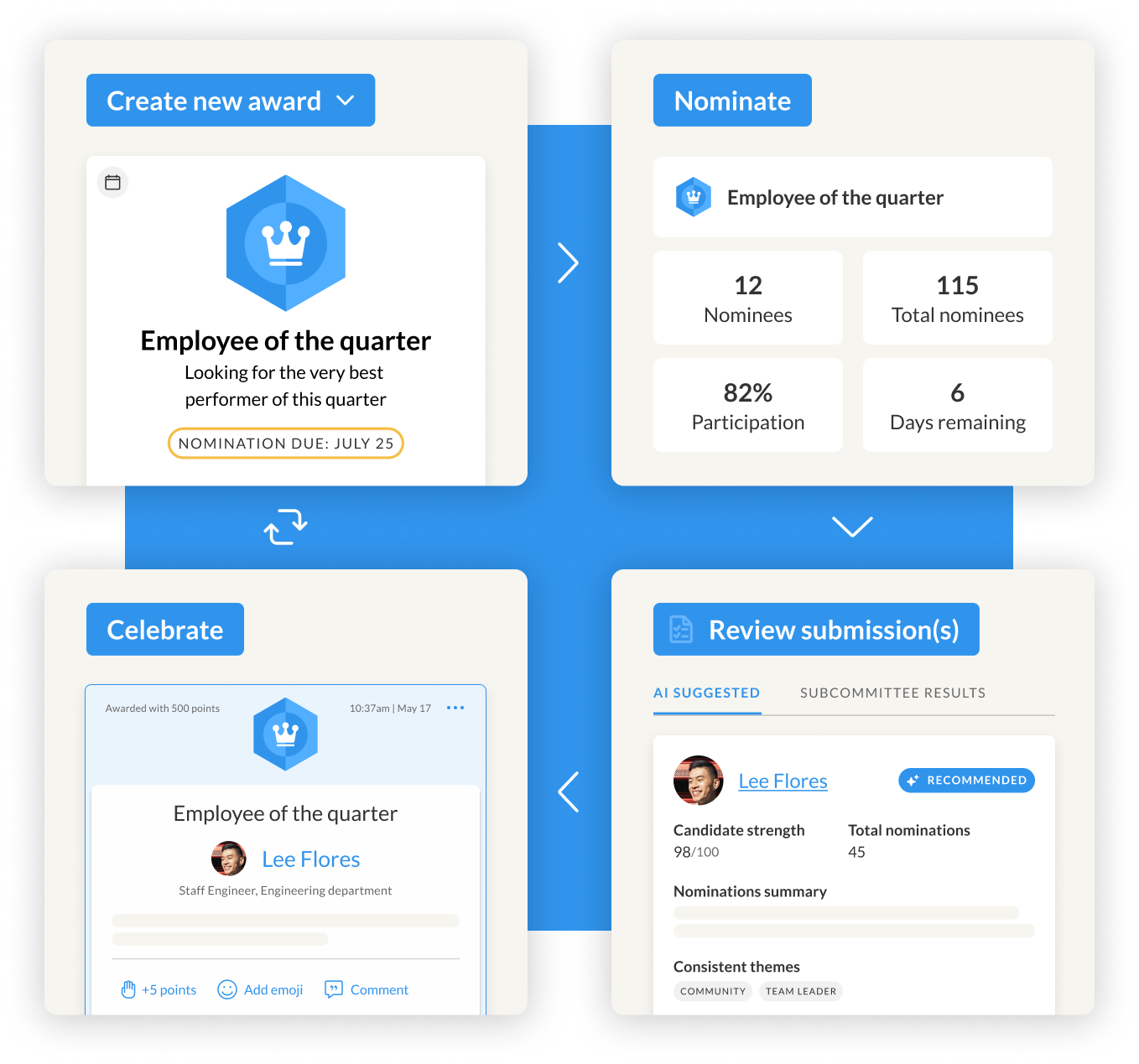
When you run an award program in WorkTango, the win posts to the activity feed the instant a winner is named, and a permanent badge lands on their profile, visible to everyone at the same time regardless of where they're logged in from. That gives every attendee a record of the moment beyond whatever they remember from the call itself.
Step 4: Reuse your award template
Whatever's built this year should be the template for next year so you don’t have to rebuild. Keep a record of who won, what the criteria were, and what the nomination questions actually looked like. The version people remember six months later is rarely the version that was actually used.
WorkTango carries all of it forward automatically when you duplicate an award. The badge, name, nomination questions, subcommittee, and eligibility can all be templated. Only the dates need updating.
Plan your award ceremony in one place
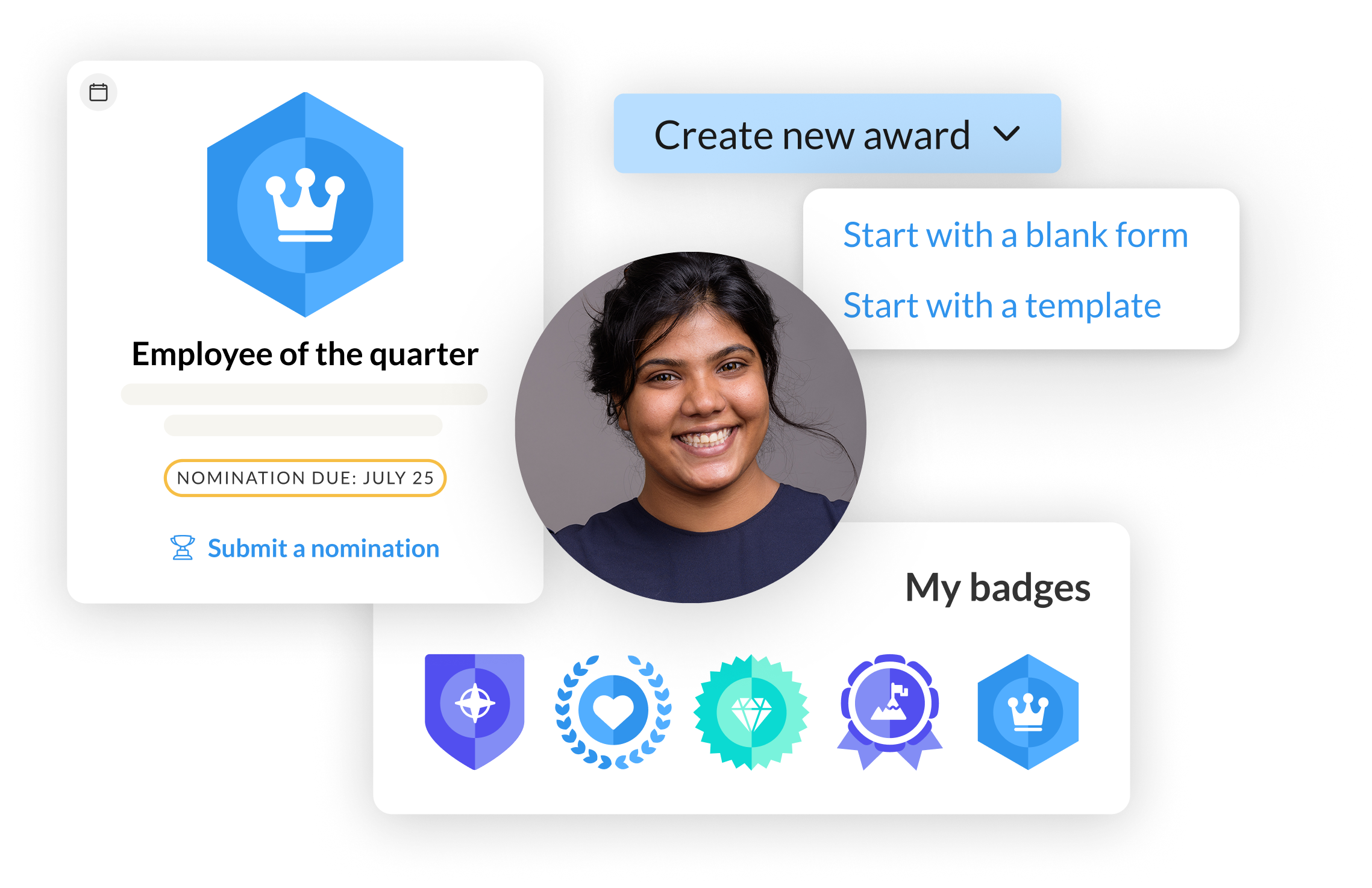
WorkTango's Awards & Nominations gives you the full awards program in one place. Nominations go straight to your chosen review committee, so there is no spreadsheet to maintain. Once you name a winner, the win posts to the activity feed and the winner's profile automatically.
Formal awards sit alongside recognition and milestone celebration in the same Recognition & Rewards platform, so every ceremony reaches employees in their daily flow of work, whether they joined in person or online.